

Overview
Beats, bars, build-ups and drops, found ahead of time and played across every light in your room. WLED and a dozen other kinds of lights, from a laptop, a Raspberry Pi or Home Assistant.
Songs are analysed before they play, Spotify songs are learned on their first play, and songs heard before are recognised live, so the room explodes exactly on the drop.
Draw your room once (or map it with a phone camera) and 95 effects sweep across walls, spin around rings and ripple out from the centre.
WLED, E1.31/Art-Net, DMX fixtures, Philips Hue, Nanoleaf, Govee, LIFX, WiZ, Kasa, Yeelight, Twinkly, OpenRGB, and the phones of your guests.
Node.js and nothing else. A one-file app, Docker, a Raspberry Pi image or a Home Assistant add-on; a low-power mode for a Pi Zero.
Start here
Pick the path that sounds like you. Every path starts with Tempolight running somewhere: Install lists every way (a one-file app, Homebrew, winget, Docker, a Raspberry Pi image, the Home Assistant add-on, or from source).
- Getting started: what you need, WLED settings, the setup wizard.
- Install on your computer, or flash the Raspberry Pi image for lights that are always on.
- Draw your room and pick favourite effects: Effects.
- Wake up to a sunrise and fall asleep to a fade-out: Wake-up and sleep.
- Sync with Spotify: exact sync, songs learned on their first play, optional shared beat maps.
- No Spotify? Tempolight also follows what Apple Music and other players on the same computer are playing, or listens to the computer's sound (Getting started → Music sources).
- Lights a little late? Use the one-tap timing fix (Troubleshooting).
- Effects and the Live pads: flash, strobe, blackout, build & drop, with keyboard shortcuts and MIDI.
- Pioneer Pro DJ Link, Ableton Link and MIDI clock as beat sources, DMX fixtures over Art-Net/sACN: Protocols.
- Guests' phones become lights and guests request songs with a QR code; a PIN lock keeps them out of your setup.
- Streaming? OBS, Twitch, Discord and games, and the Stream Deck plugin.
- The Home Assistant add-on, or any install with MQTT: Tempolight appears by itself (API → Home Assistant).
- Apple Home: Tempolight is a HomeKit bridge, so Siri works (API → Apple Home).
- Voice control with Google Assistant and Alexa through Home Assistant.
- Scenes, schedules, sunrise and sunset times, night mode and an ambient plan.
- Architecture: the engine, the outputs and the server, and how a frame is made.
- HTTP and WebSocket API and the protocols on the wire.
- Tempolight Lite: the WLED usermod for an ESP32 with a microphone (beta).
- Contributing: new effects are one object in
packages/engine/src/effects.js.
How it works
flowchart LR
  subgraph In["Music in"]
    F["Song file<br/>(analysed first)"]
    L["Live sound<br/>mic, system audio, sound card"]
    SP["Spotify / now playing<br/>+ song memory"]
    DJ["Pro DJ Link · Ableton Link<br/>MIDI clock"]
  end
  F --> A
  L --> A
  SP --> A
  DJ --> A
  A["Analysis<br/>beat grid, song part,<br/>style, key and mood"] --> D["Director<br/>picks effects, crossfades,<br/>pads, safe mode"]
  D --> E["95 effects<br/>on the room's real shape"]
  E --> O["Outputs<br/>DDP, E1.31, Art-Net, DMX,<br/>Hue, Nanoleaf, Govee…"]
  O --> W["Your lights"]
The whole story, step by step, is in Architecture.
See it
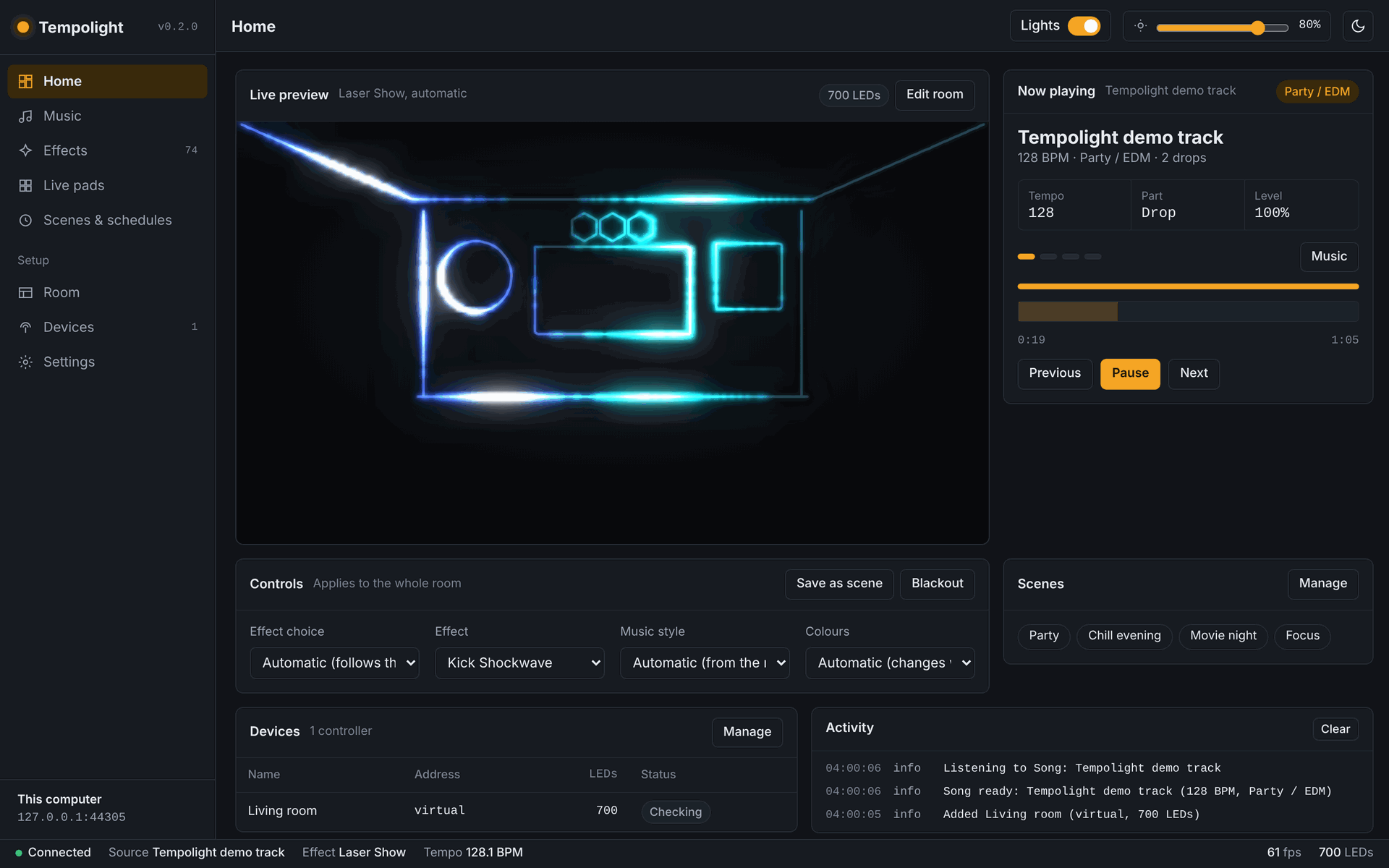
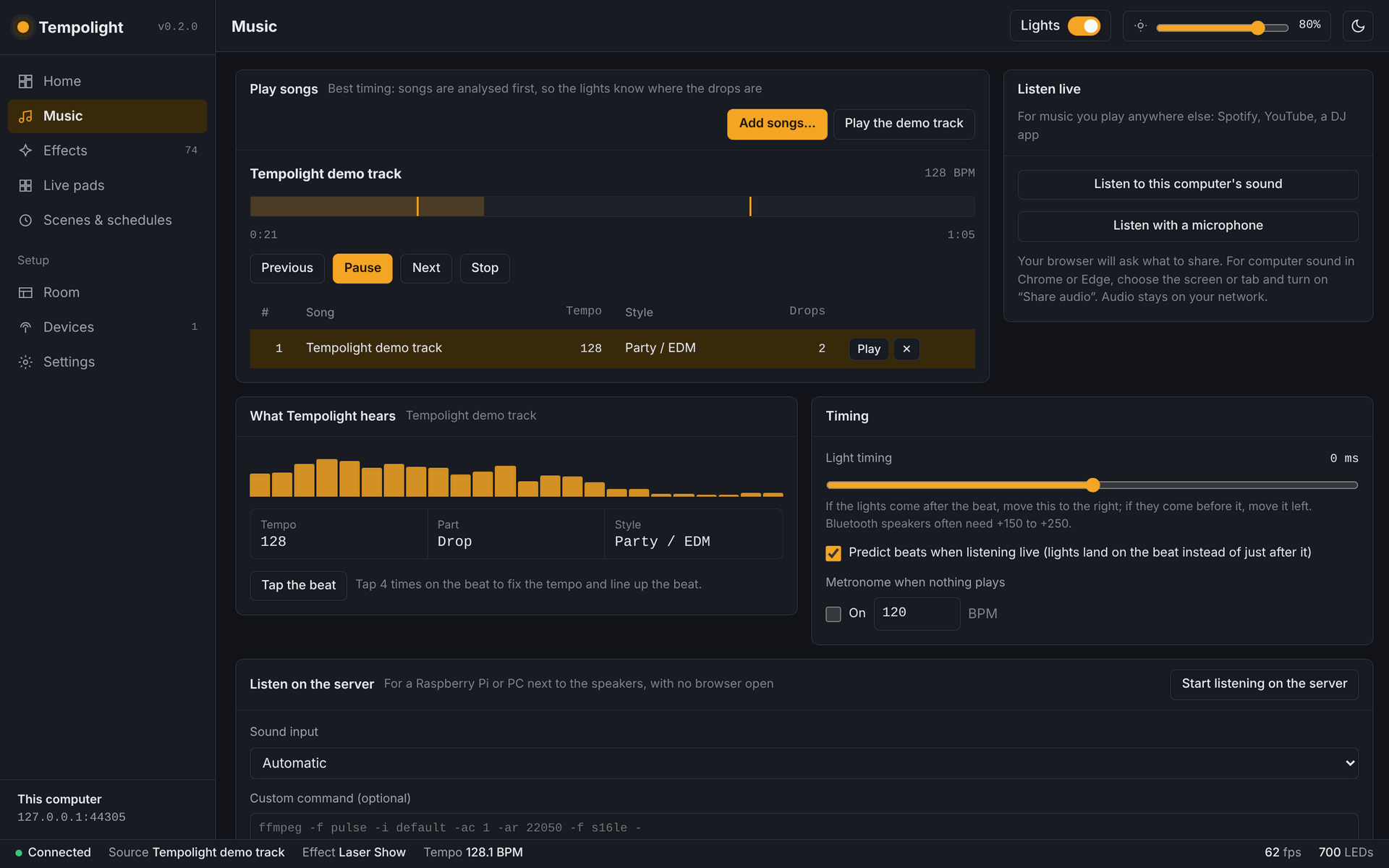
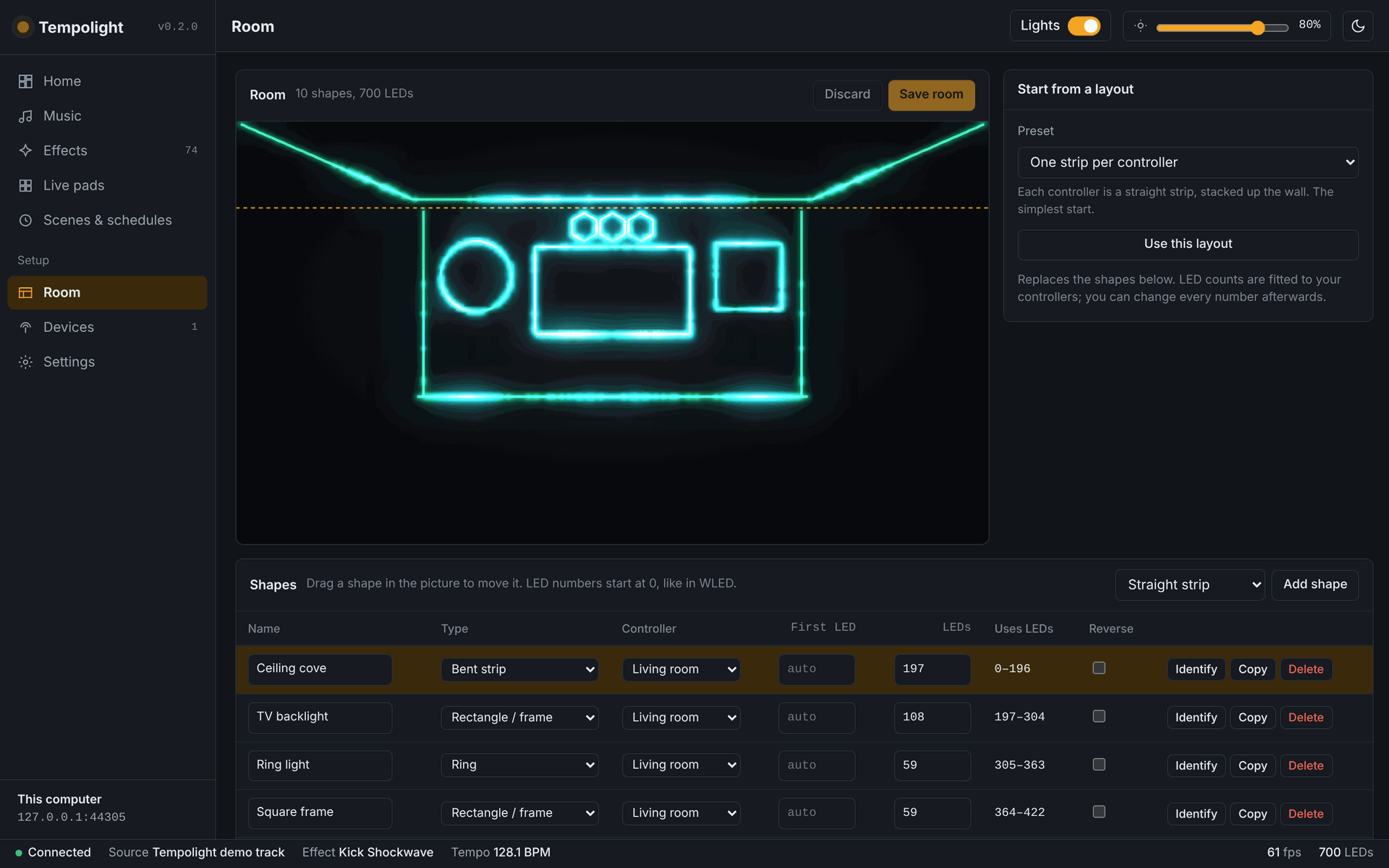
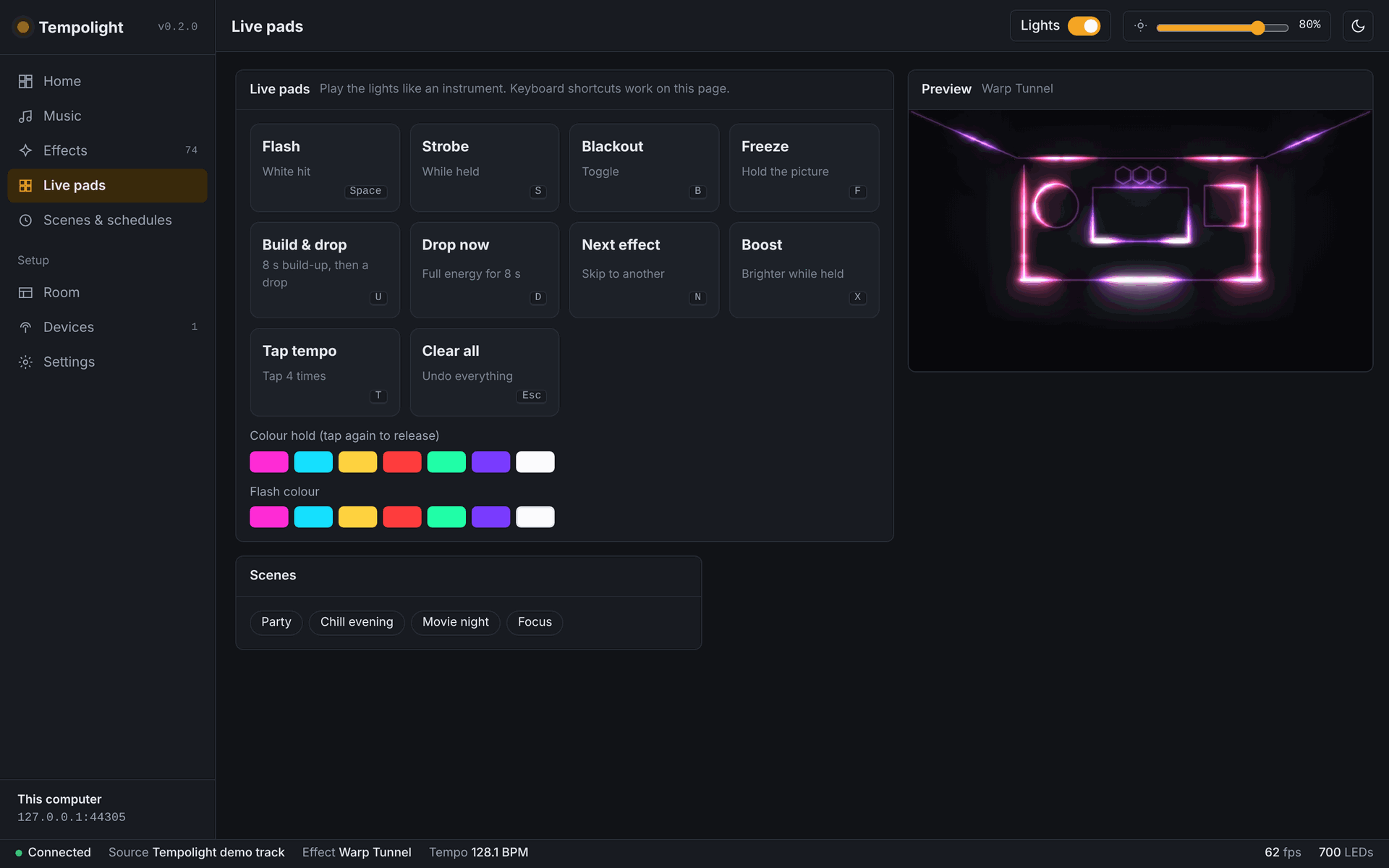
Help and feedback
- Something not working? Start with Getting started → Troubleshooting, then open an issue.
- What's done, what's beta and what's next: Roadmap and the changelog.
- Tempolight is MIT licensed and made by volunteers. Contributions are welcome.